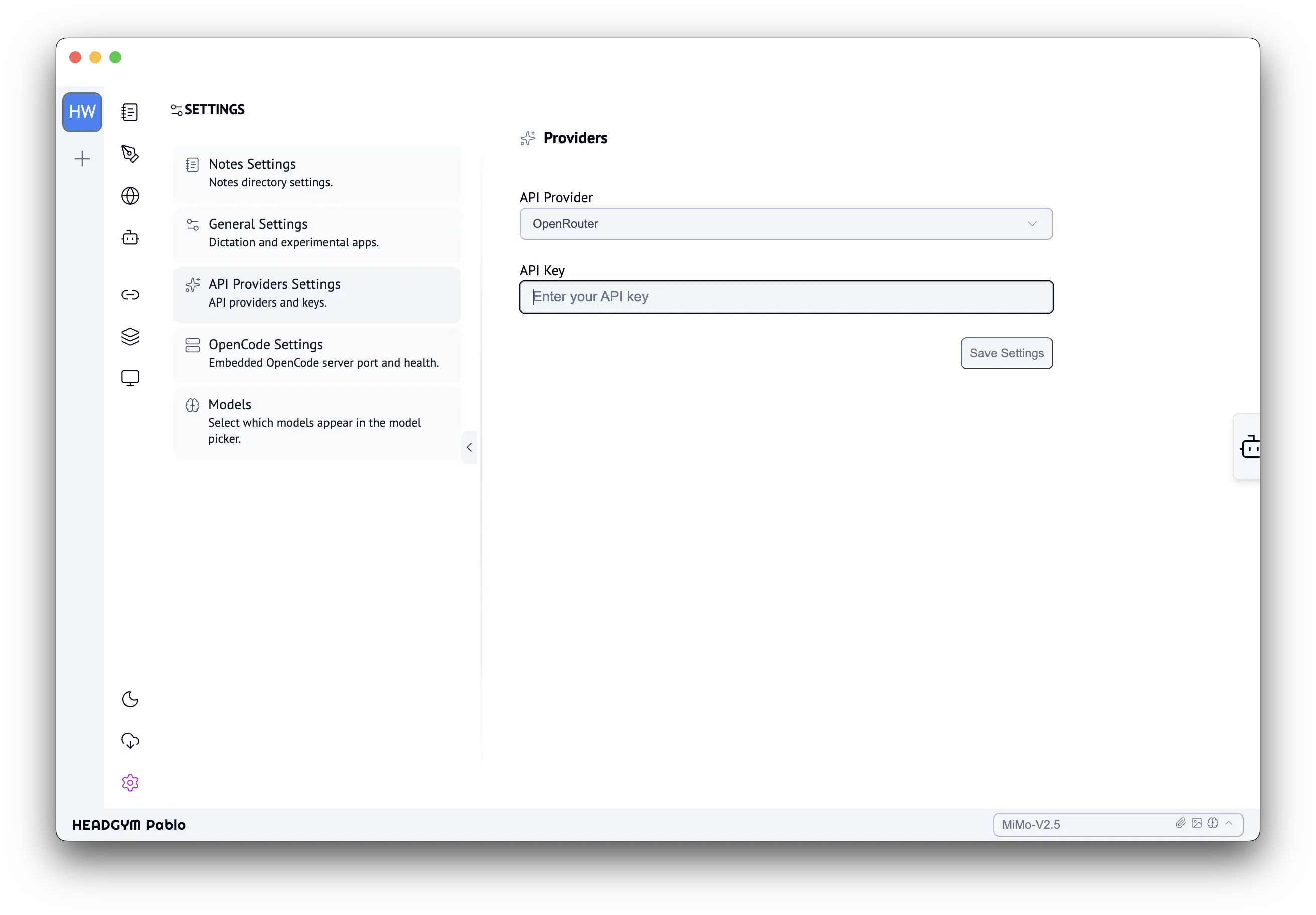
Finish setting up HeadGym Pablo
To start using Pablo with your preferred AI models, you'll need an OpenRouter API key. OpenRouter gives you access to hundreds of models — including GPT, Claude, Gemini, DeepSeek, and many more — through a single API, so you don't need to manage separate accounts for each provider.
Follow the steps below to create your OpenRouter account, generate an API key, and connect it to Pablo.
1. Register and Log In to OpenRouter
Go to openrouter.ai and create a new account or log in with your existing credentials. OpenRouter gives you access to hundreds of models through a single API — no need to manage individual provider accounts.
Visit OpenRouter website →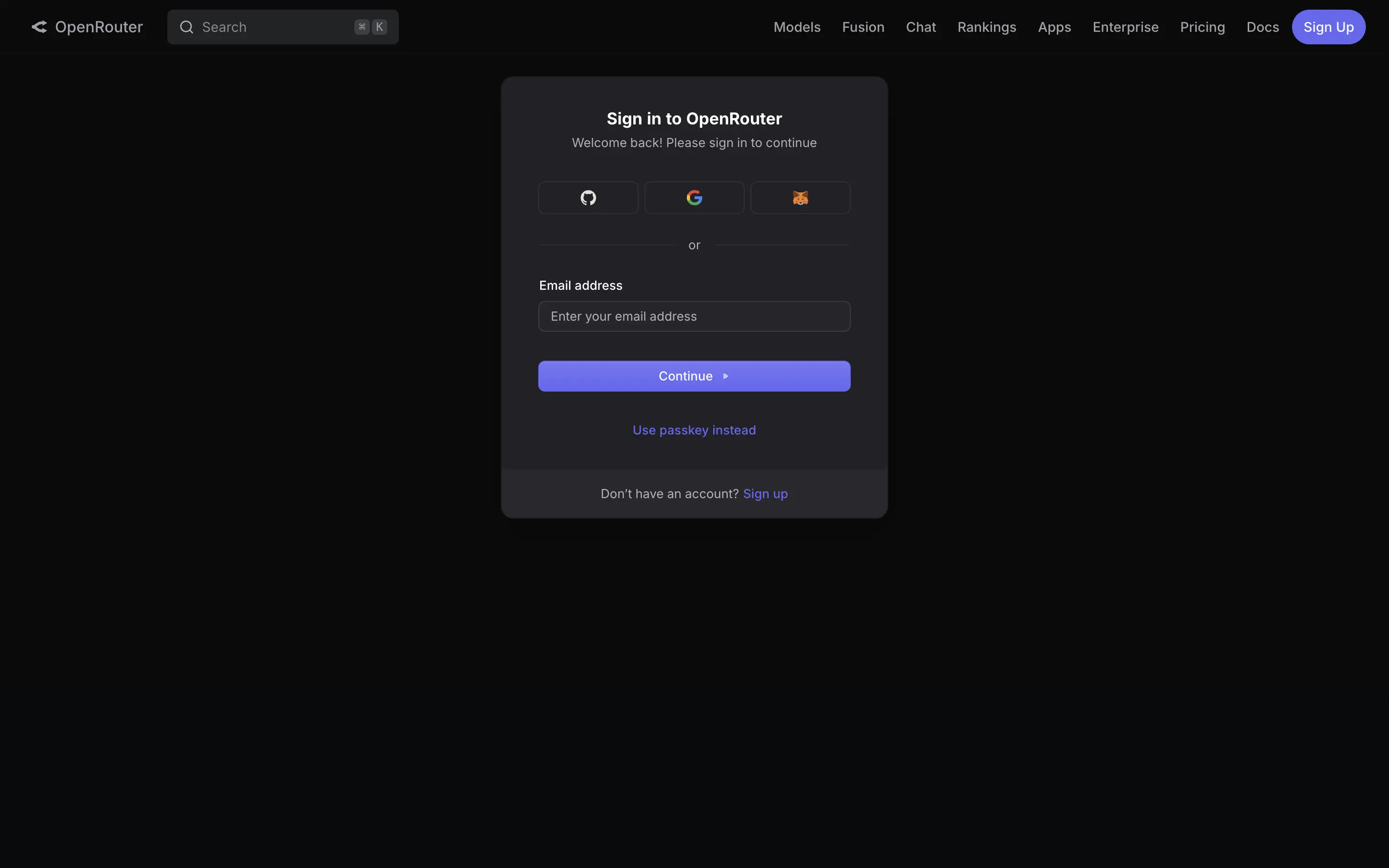
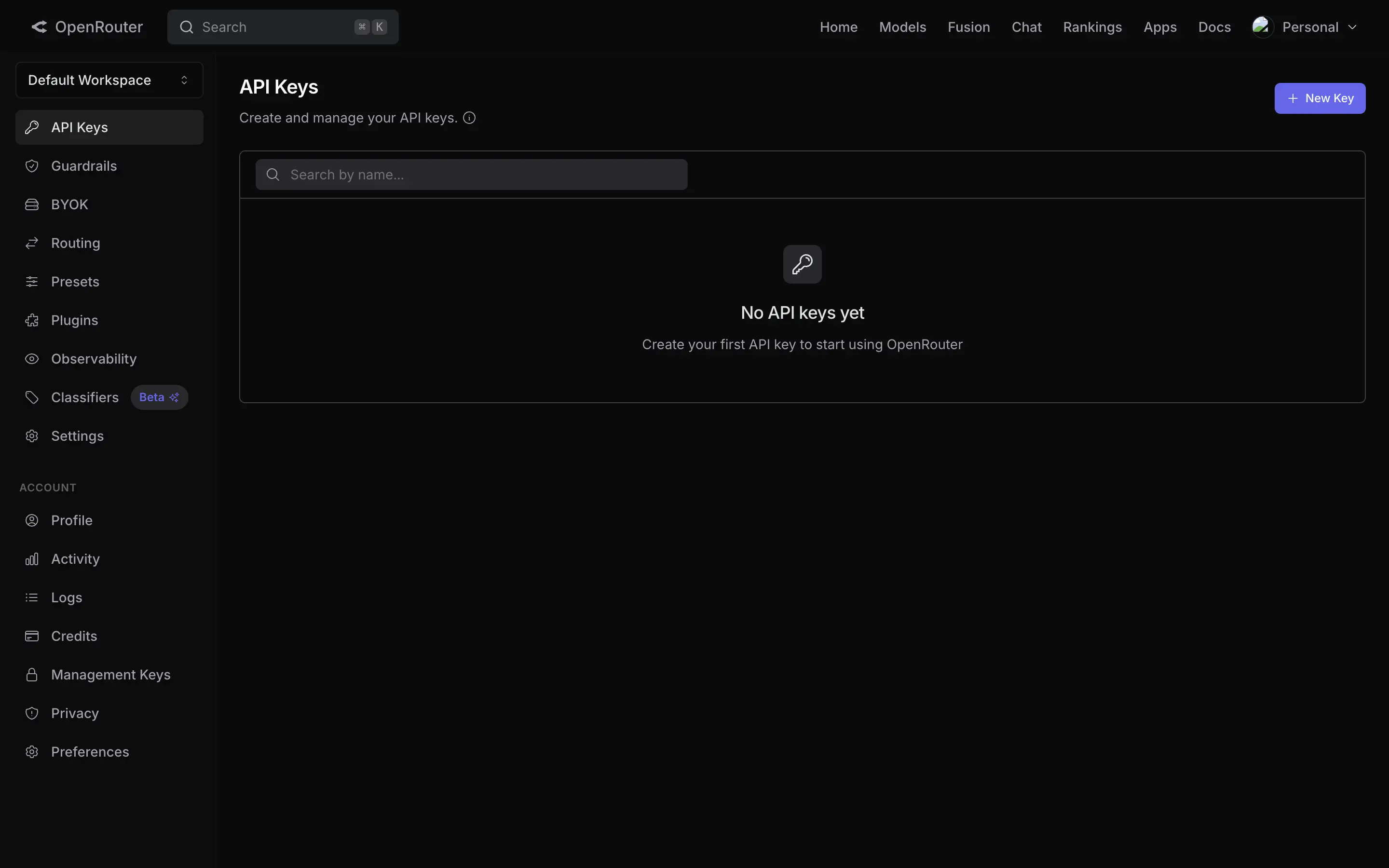
2. Navigate to API Keys
Once logged in, click the "API Keys" section in the sidebar or your account menu. This is where you manage all your API credentials.
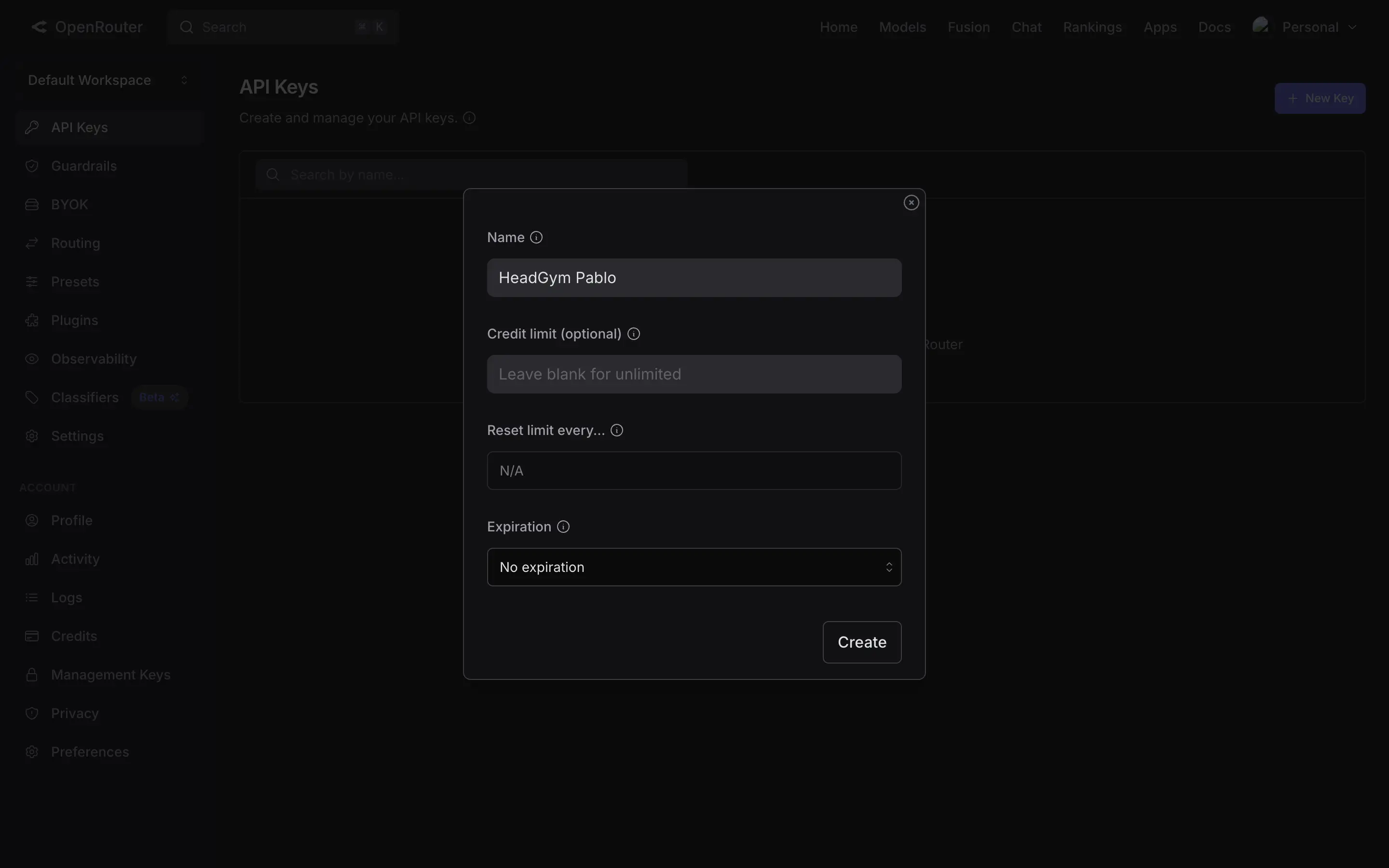
3. Generate Your API Key
Click the "+ New Key" button to create a new API key. Give it a descriptive name so you can easily identify it later (e.g. "HeadGym Pablo").
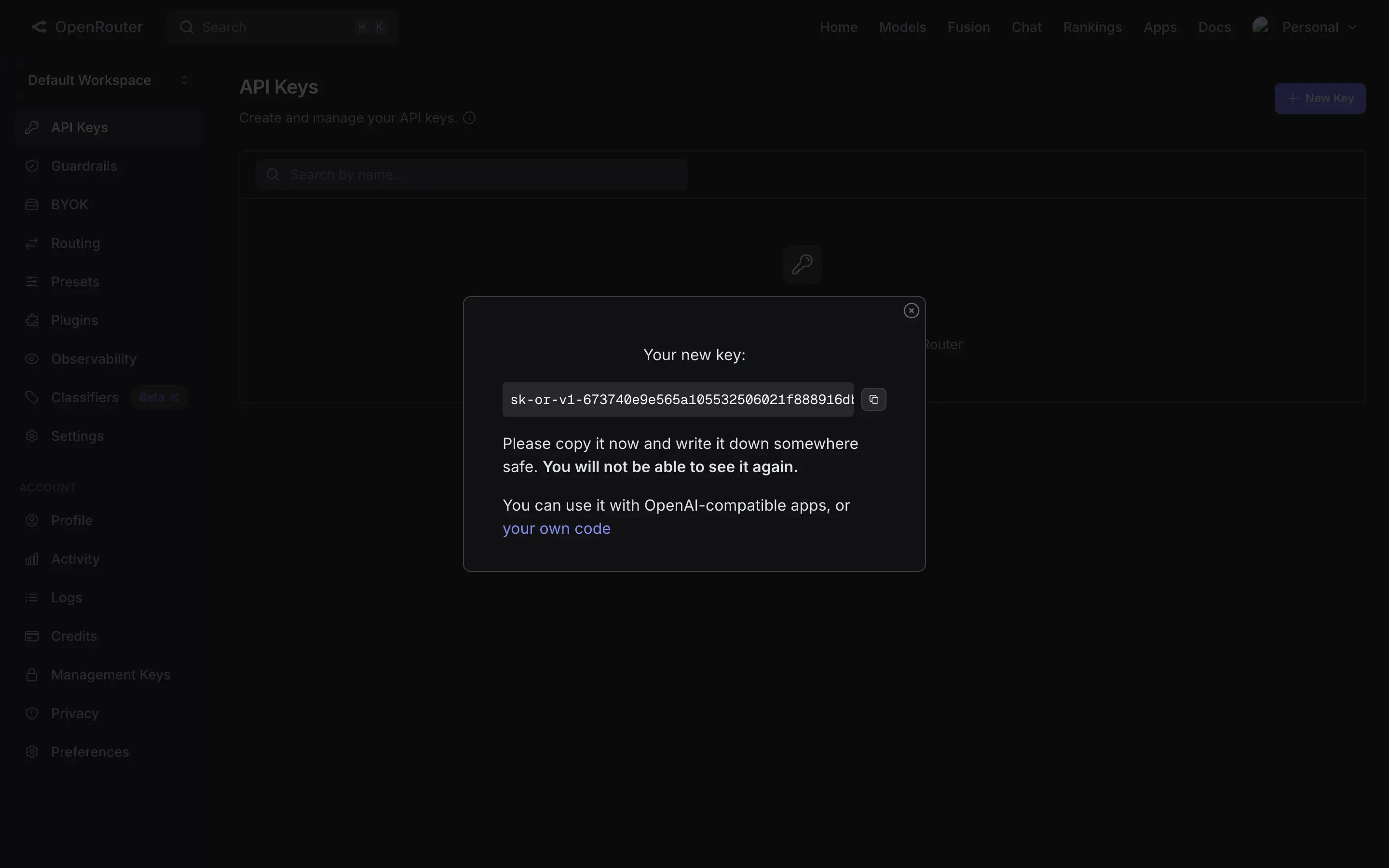
4. Copy Your API Key
The key is shown only once. Copy it immediately and store it somewhere safe — you will not be able to see it again after you close this dialog.
5. Paste Your API Key in Pablo
Open Settings > API Providers in your HeadGym Pablo application. Select OpenRouter from the API Provider dropdown, then paste your copied API key into the API Key input field and save.