PostgREST a Little Gem: Supabase Postgres Functions with PostgREST
While exploring the Supabase documentation, I discovered that Supabase leverages PostgREST, a powerful yet often overlooked tool. Despite its relative obscurity, PostgREST is incredibly valuable for quickly building prototypes and scaling data-driven applications. In this article, I’ll introduce PostgREST and walk you through how to start using it with Supabase.
PostgREST is an open-source tool that automatically turns your PostgreSQL database into a RESTful API. By leveraging PostgreSQL’s powerful features such as stored procedures, views, and triggers, PostgREST enables seamless interaction with your database through standard HTTP methods (GET, POST, PATCH, DELETE), without the need for custom backend code.
PostgREST acts as a bridge between HTTP requests and your PostgreSQL database. It automatically exposes your database tables, views, and functions as RESTful endpoints, making it easy to interact with the database directly from web or mobile applications. It also respects PostgreSQL’s access control mechanisms, including Row-Level Security (RLS), ensuring that data access is securely managed.
Key Features of PostgREST:
- Automatic API Generation: PostgREST automatically creates a REST API for all your tables, views, and stored procedures, meaning no additional backend is required.
- RPC Endpoints: PostgREST exposes Postgres functions (stored procedures) as RPC (Remote Procedure Call) endpoints, enabling safe and parameterized queries.
- Security: PostgREST fully integrates with PostgreSQL’s native authentication and authorization systems, including role-based access control and RLS policies.
- Performance: Since PostgREST runs directly on PostgreSQL, it benefits from the database’s performance optimizations, including indexing, caching, and query planning.
- RESTful API Design: You can use standard HTTP verbs (
GET,POST,PATCH,DELETE) to query, insert, update, or delete data from your database.
Why Use PostgREST?
PostgREST simplifies the process of creating a backend API for your applications by eliminating the need to write custom server-side code. It leverages the power of PostgreSQL for complex query logic and security, allowing developers to focus on building frontends or client applications. This approach is particularly valuable for projects that require rapid API development, secure data access, and scalability.
Supabase, for example, uses PostgREST under the hood to offer its “instant APIs” feature, automatically exposing your database as a RESTful API.
This should give a solid overview of what PostgREST is and why it’s useful in building applications that need quick and secure database access. Let me know if you need any modifications!
In Supabase, you can create Postgres functions (similar to prepared statements) and expose them as RPC (Remote Procedure Call) endpoints using PostgREST. This provides a secure and flexible way to query data from your UI, passing parameters safely while keeping the query logic in the database.
Pre-Requisites
Here’s an example schema for the metrics table that we’ve been using to test querying data using Postgres functions and the Supabase RPC API.
Example Schema: metrics
CREATE TABLE metrics (
    id SERIAL PRIMARY KEY,
    userid VARCHAR(255) NOT NULL,
    provider VARCHAR(255) NOT NULL,
    model VARCHAR(255) NOT NULL,
    time_start TIMESTAMP NOT NULL,
    time_end TIMESTAMP NOT NULL,
    requestid VARCHAR(255) UNIQUE NOT NULL,
    request TEXT NOT NULL,
    request_token_count INTEGER NOT NULL,
    response TEXT,
    response_token_count INTEGER,
    status VARCHAR(50) NOT NULL,
    correlation_id VARCHAR(255),
    appid VARCHAR(255) NOT NULL
);
This is the schema we are using to test querying the metrics table using Postgres functions exposed via Supabase’s RPC API. The function selects rows from the metrics table based on the provider and the time_start within a specific date range.
Key Steps and Tips:
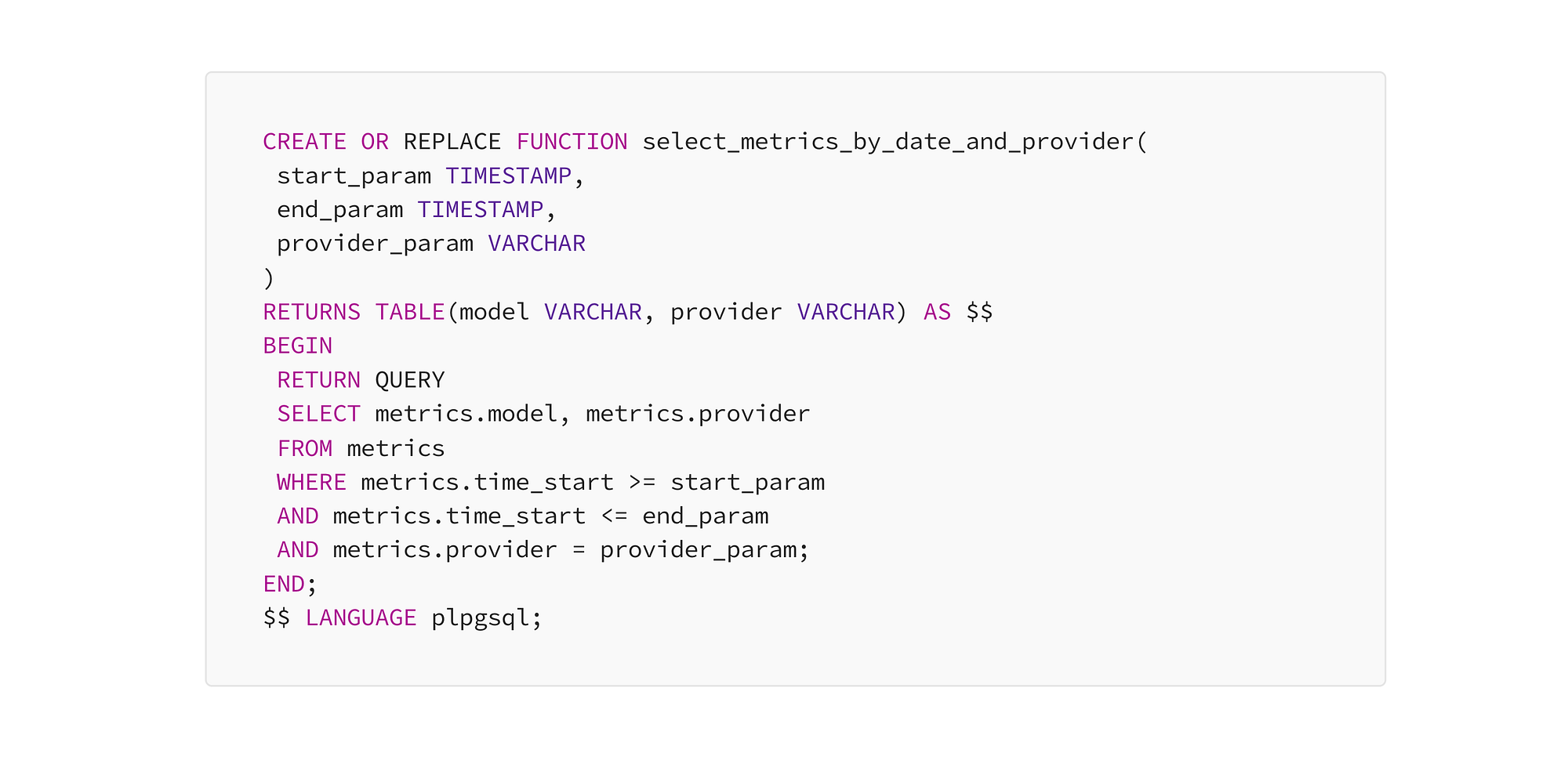
Create a Postgres Function with Parameters: You can create a function that acts like a prepared statement, accepting parameters like dates, strings, etc. Example of a function that queries the metrics table for specific model and provider within a date range:
CREATE OR REPLACE FUNCTION select_metrics_by_date_and_provider(
 start_param TIMESTAMP,
 end_param TIMESTAMP,
 provider_param VARCHAR
)
RETURNS TABLE(model VARCHAR, provider VARCHAR) AS $$
BEGIN
 RETURN QUERY
 SELECT metrics.model, metrics.provider
 FROM metrics
 WHERE metrics.time_start >= start_param
 AND metrics.time_start <= end_param
 AND metrics.provider = provider_param;
END;
$$ LANGUAGE plpgsql;
Avoid Ambiguous Column Names: Always fully qualify column names when there’s potential for ambiguity, especially if your function uses multiple tables or JOINs. This ensures that Postgres knows exactly which column you’re referring to.
In the function above, metrics.model and metrics.provider are fully qualified with the table name metrics.
Ensure Data Type Compatibility: PostgreSQL treats TEXT and VARCHAR as similar but distinct types, and mismatches between them can cause errors.
To avoid issues, ensure that the data types in your function match the column types in your database (e.g., if your columns are VARCHAR, ensure the function returns VARCHAR rather than TEXT).
Exposing the Function as an RPC API Endpoint
Supabase uses PostgREST to automatically expose Postgres functions as RPC endpoints. The function you create will be available as a REST endpoint that accepts parameters via a POST request.
Example endpoint for the above function. You pass the function parameters in the body of the POST request:
curl -X POST https://your-supabase-url.supabase.co/rest/v1/rpc/select_metrics_by_date_and_provider \
  -H "Content-Type: application/json" \
  -H "apikey: your-supabase-anon-key" \
  -H "Authorization: Bearer your-supabase-anon-key" \
  -d '{
    "start_param": "2023-09-01T00:00:00",
    "end_param": "2023-09-30T23:59:59",
    "provider_param": "AWS"
  }'
Handling Function Overloading:
If you create multiple versions of a function with different data types (e.g., one version with VARCHAR and another with TEXT), PostgreSQL might be unable to choose the correct version when the function is called.
To avoid this: Drop unnecessary overloaded versions of the function using DROP FUNCTION for specific argument types. Alternatively, explicitly cast parameters when calling the function to avoid ambiguity.
Integrating the RPC Endpoint in the UI:
You can easily integrate the RPC endpoint into your frontend using standard HTTP requests (e.g., fetch in JavaScript).
Example API call in JavaScript:
const callRPC = async (start, end, provider) => {
 const response = await fetch('https://your-supabase-url.supabase.co/rest/v1/rpc/select_metrics_by_date_and_provider', {
 method: 'POST',
 headers: {
 'Content-Type': 'application/json',
 'apikey': 'your-supabase-anon-key',
 'Authorization': 'Bearer your-supabase-anon-key',
 },
 body: JSON.stringify({
 start_param: start,
 end_param: end,
 provider_param: provider,
 }),
 });

 const data = await response.json();
 console.log('Metrics:', data);
};

callRPC('2023–09–01T00:00:00', '2023–09–30T23:59:59', 'AWS');
Benefits of Using PostgREST and Postgres Functions in Supabase:
- Security: By passing parameters to Postgres functions via RPC, you prevent SQL injection and ensure secure querying. PostgREST respects Row-Level Security (RLS), providing an additional layer of protection.
- Performance: The function runs directly on the database, ensuring fast and optimized execution. It only returns the data you need, reducing network and database load.
- Scalability: As your application grows, you can create more functions, expose them as RPC endpoints, and scale your API without needing to manage additional backend infrastructure.
- Maintainability: By encapsulating query logic in the database (through functions), your frontend remains clean and easier to maintain. Complex queries can be updated in the database without touching the frontend code.
Conclusion:
This approach provides a safe, scalable, and efficient way to query data from the UI while keeping the logic on the database side. By using Postgres functions with Supabase’s PostgREST, you simplify the process of querying dynamic data while maintaining security and performance.